

Photo, form and PDF tools right on your phone
Resize a photo to an exact KB size, make exam photos, signatures and passport photos, turn photos into a PDF, compress and merge PDFs, and more. Free, with no sign-up.
- 22 tools, free
- No account
- 17 work offline

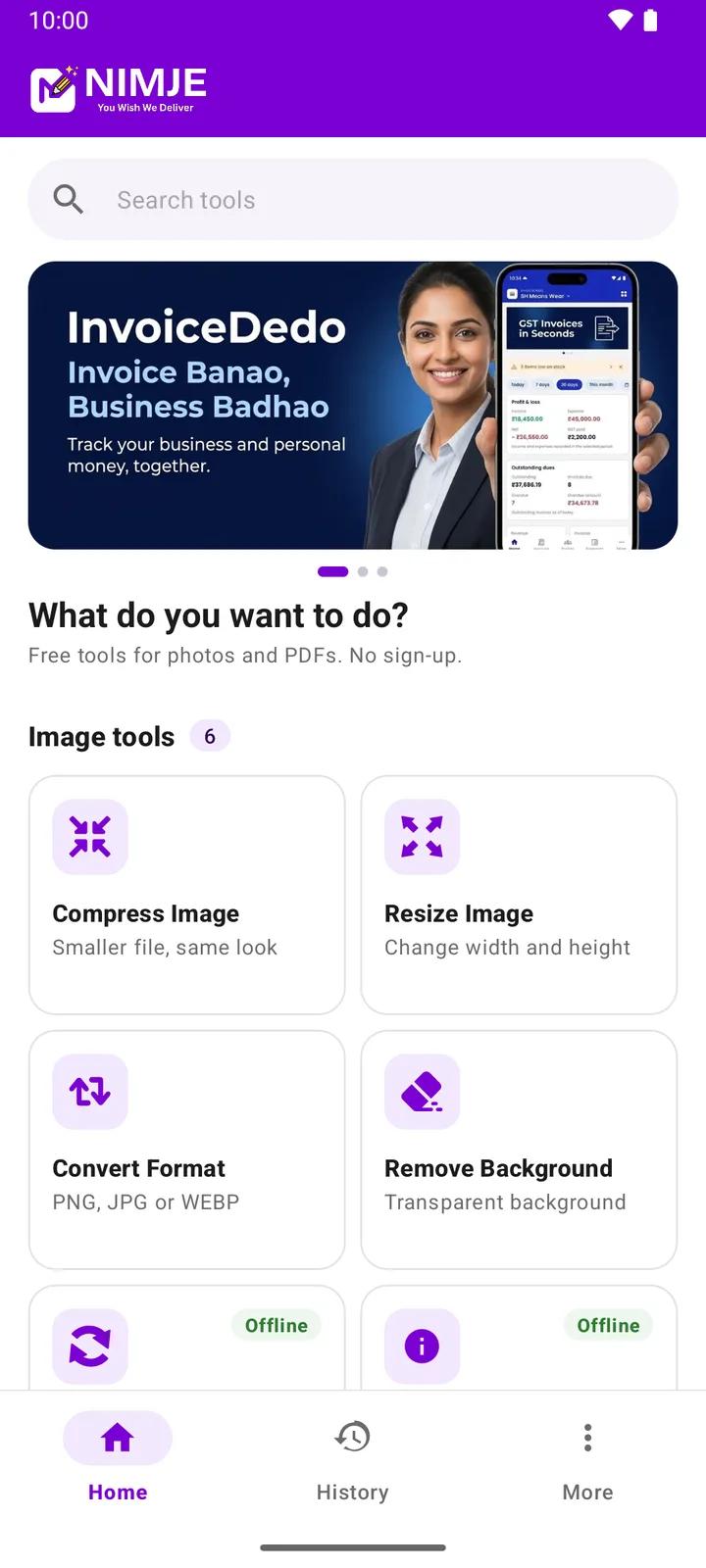
22 tools in one free app
The tools you know from nimje.org, built for your phone. Every tool is also on this website: tap a name to use it in your browser.
Compress Image
Make files smaller for the web
Needs internet
Resize Image
Set exact width and height
Needs internet
Resize Image to KB
Any size: 20, 50, 100 KB or custom
Works offline
Image Upscaler
Enlarge images 2x-4x or to 4K
Works offlineIn the app: Enlarge
Exam Photo Resizer
Exact pixels and KB for exam forms
Works offline
Signature Resizer
e.g. 140×60 px, 10–20 KB
Works offline
Passport Size Photo
35×45 mm or 2×2 in, print sheet
Works offlineWhite background needs internet
Convert Image
JPG, PNG, WebP and more
Needs internetIn the app: JPG, PNG or WebP
Crop Image
Cut to 16:9, 4:3 or a circle
Works offline
Rotate Image
Rotate any angle or flip
Works offline
Remove Background
Cut out the subject
Needs internet
Add Watermark
Protect photos with text or a logo
Works offline
Blur Faces
Hide faces and private details
Works offlineAuto-detect needs internet once
Meme Generator
Make a meme from your own picture
Works offline
EXIF Viewer & Remover
See a photo's hidden details and location, save a clean copy
Works offline
JPG to PDF
Combine images into one PDF
Works offline
PDF to JPG
Save PDF pages as images
Works offline
Merge PDF
Join several PDFs into one
Works offline
Split PDF
Extract pages or ranges
Works offline
Compress PDF
Make a PDF smaller
Works offline
URL Shortener
Short links with a custom name
Needs internet
QR Code Generator
QR codes for links, WiFi, contacts and more
Works offline
Works offline, on your phone
Resize Image to KB, Image Upscaler, Exam Photo Resizer, Signature Resizer, Passport Size Photo, Crop Image, Rotate Image, Add Watermark, Blur Faces, Meme Generator, EXIF Viewer & Remover, JPG to PDF, PDF to JPG, Merge PDF, Split PDF, Compress PDF and QR Code Generator. Your file never leaves your phone for these.
Needs internet
Compress Image, Resize Image, Convert Image, Remove Background and URL Shortener, and the white background in Passport Size Photo. The photo is sent to Nimje's server, processed and sent back.
Privacy
- No sign-up, no login and no account.
- Tools marked "Works offline" process your file on the phone; nothing is uploaded.
- Photos sent to the server for the other tools are processed and returned; temporary files are deleted automatically within 24 hours.
- Your history of results stays on your phone.
- The app shows a few ads to stay free, never while a file is processing. Details are in the Privacy Policy.
See the app in action
Swipe through the screens, straight from the app.
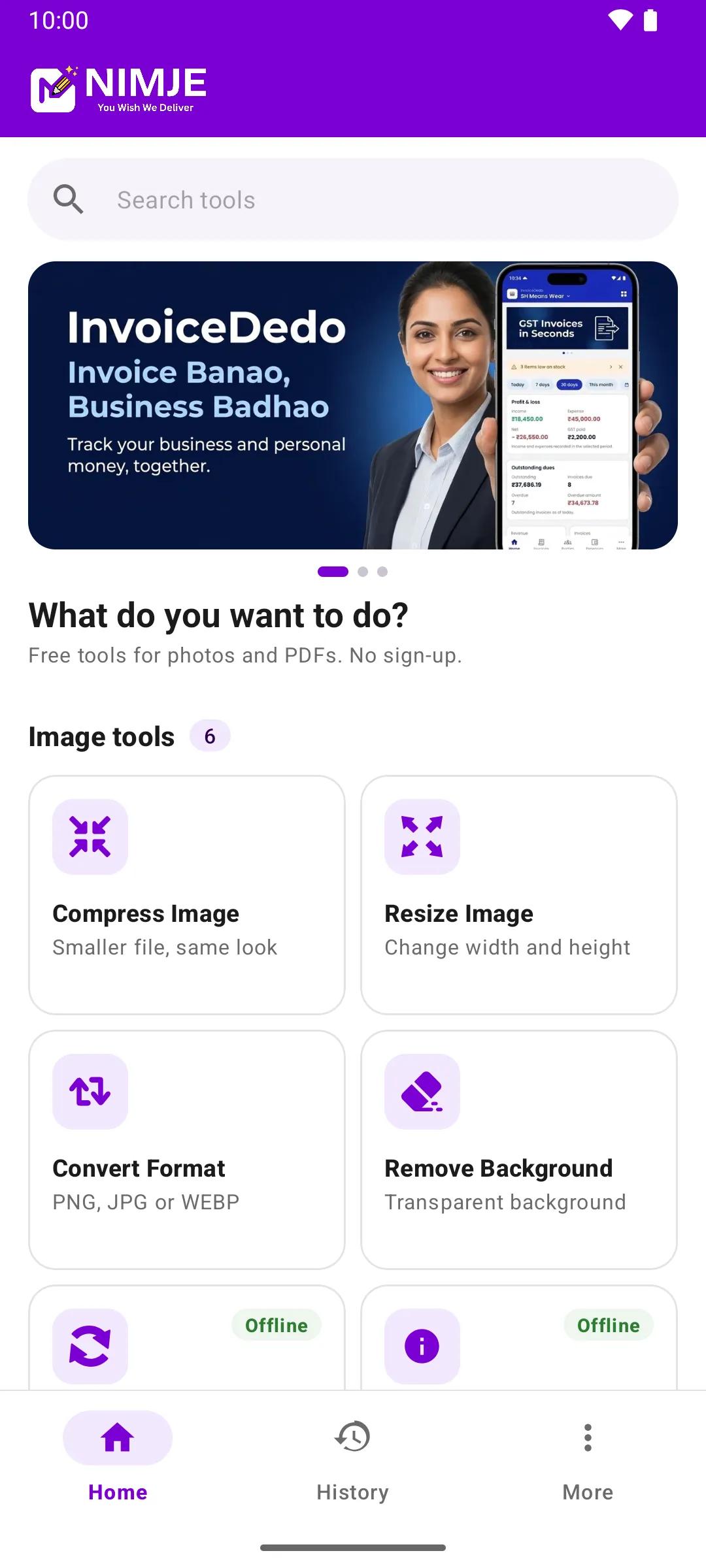
Home 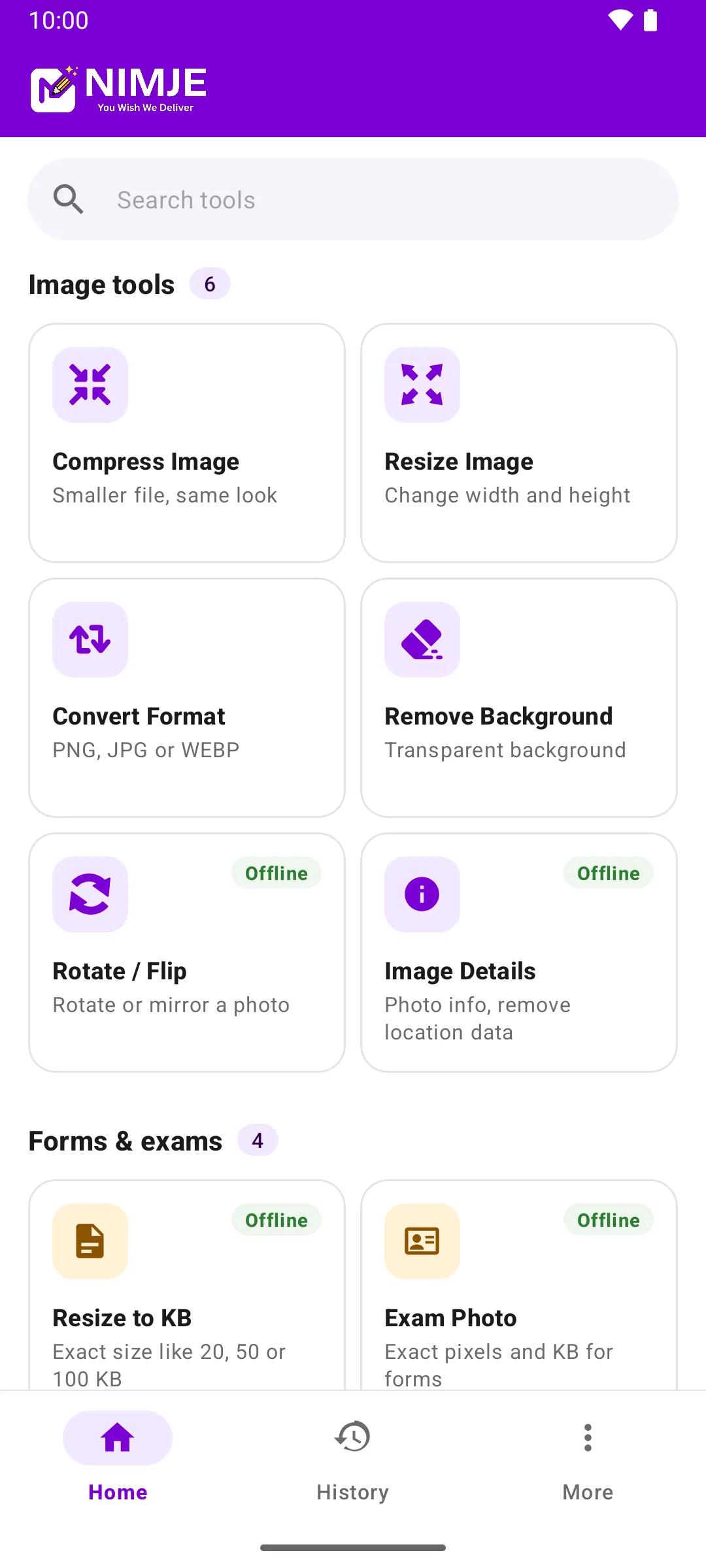
Image Tools 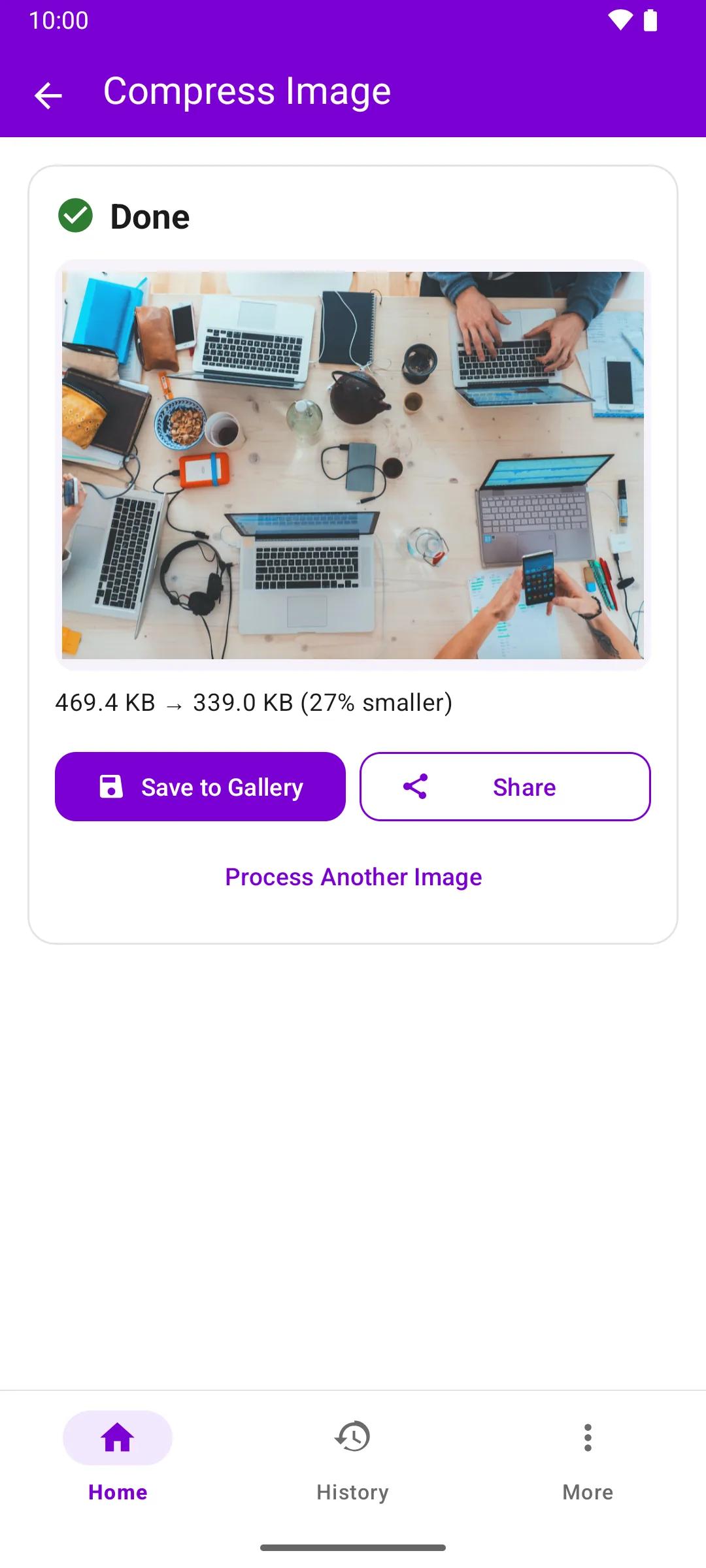
Compress Result 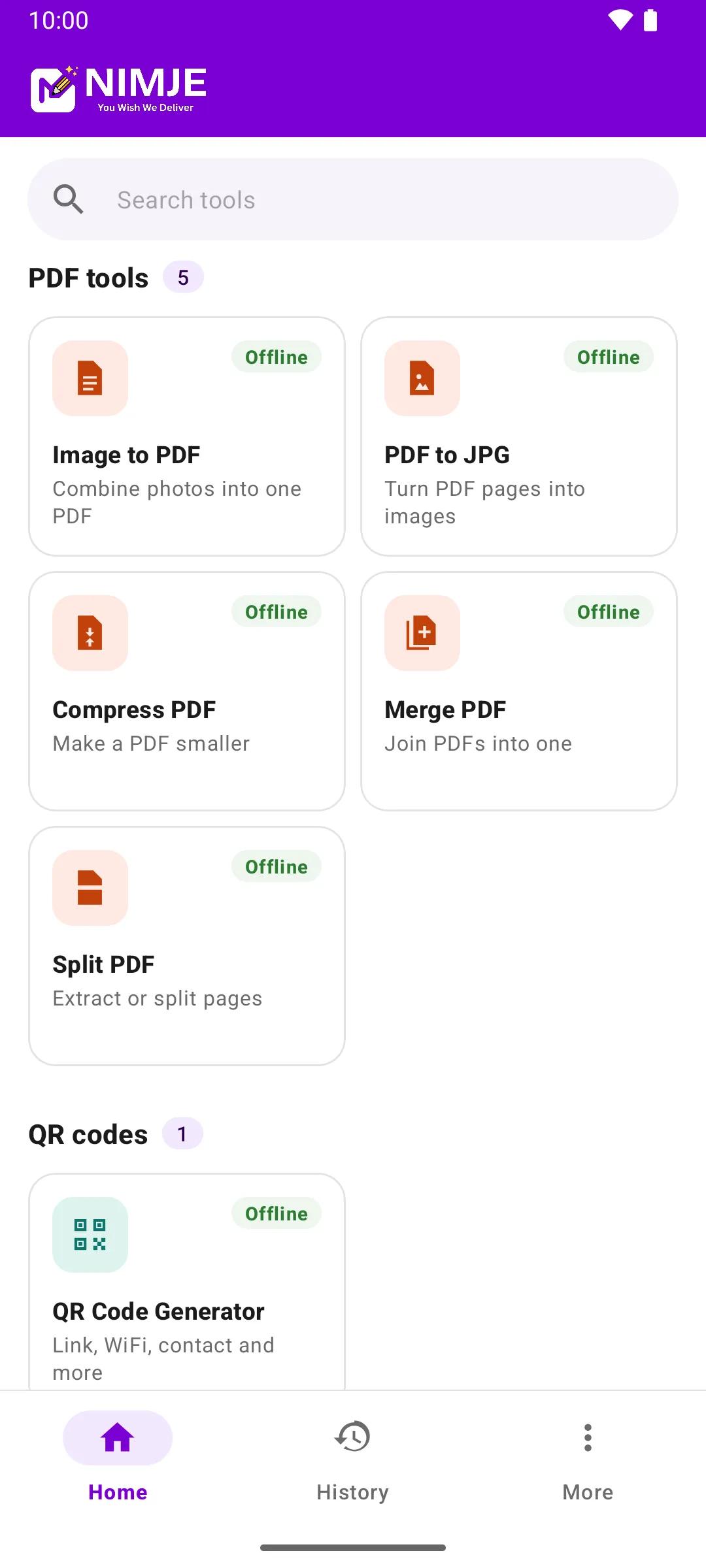
PDF Tools 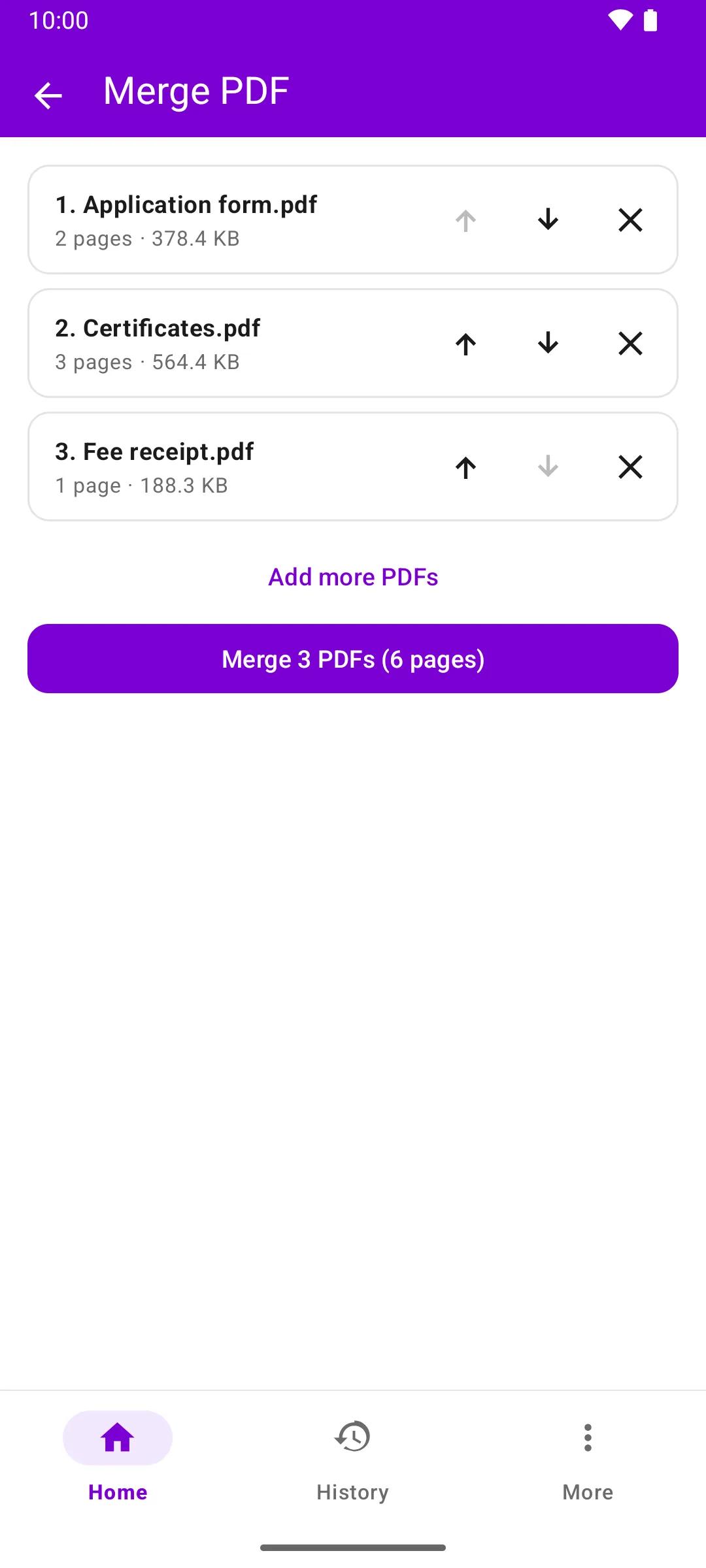
Merge PDF 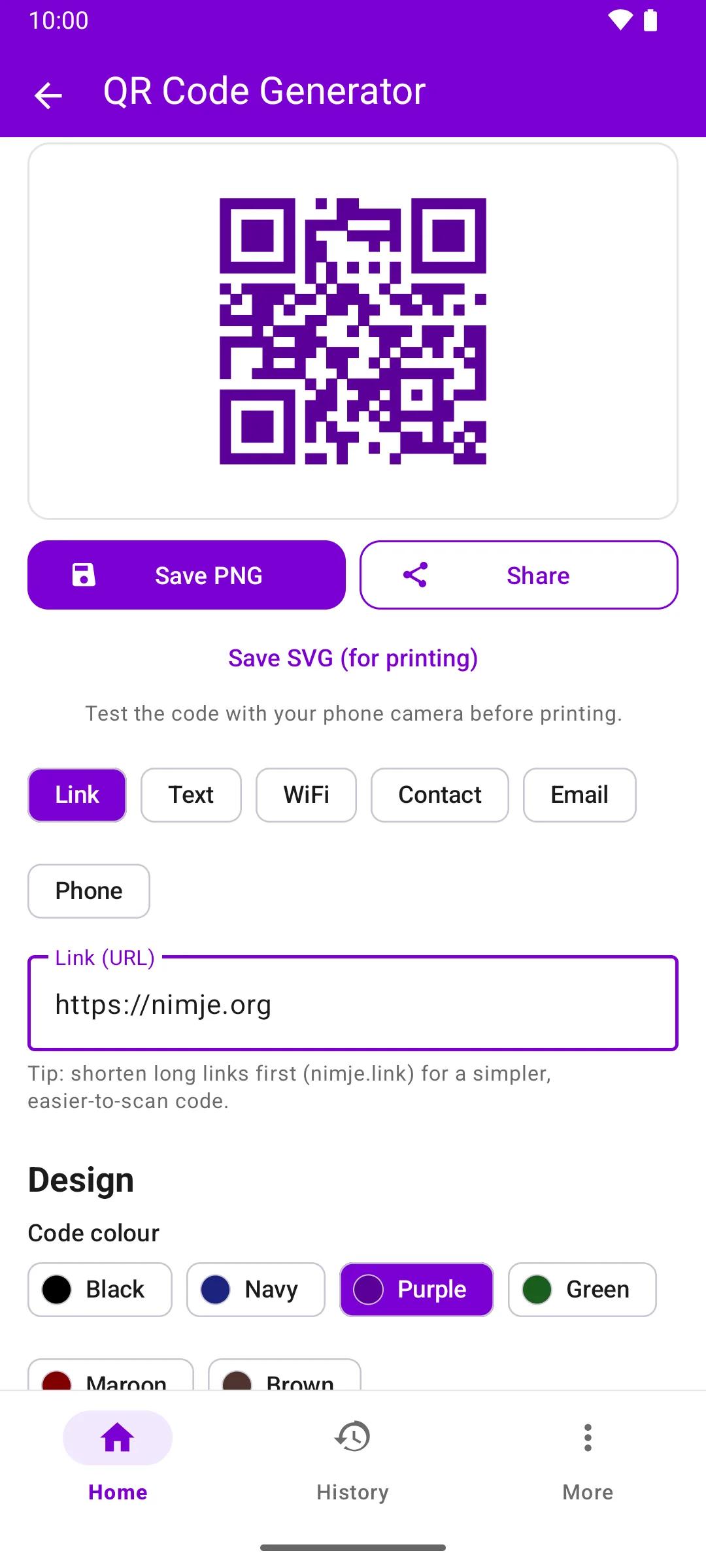
QR Generator 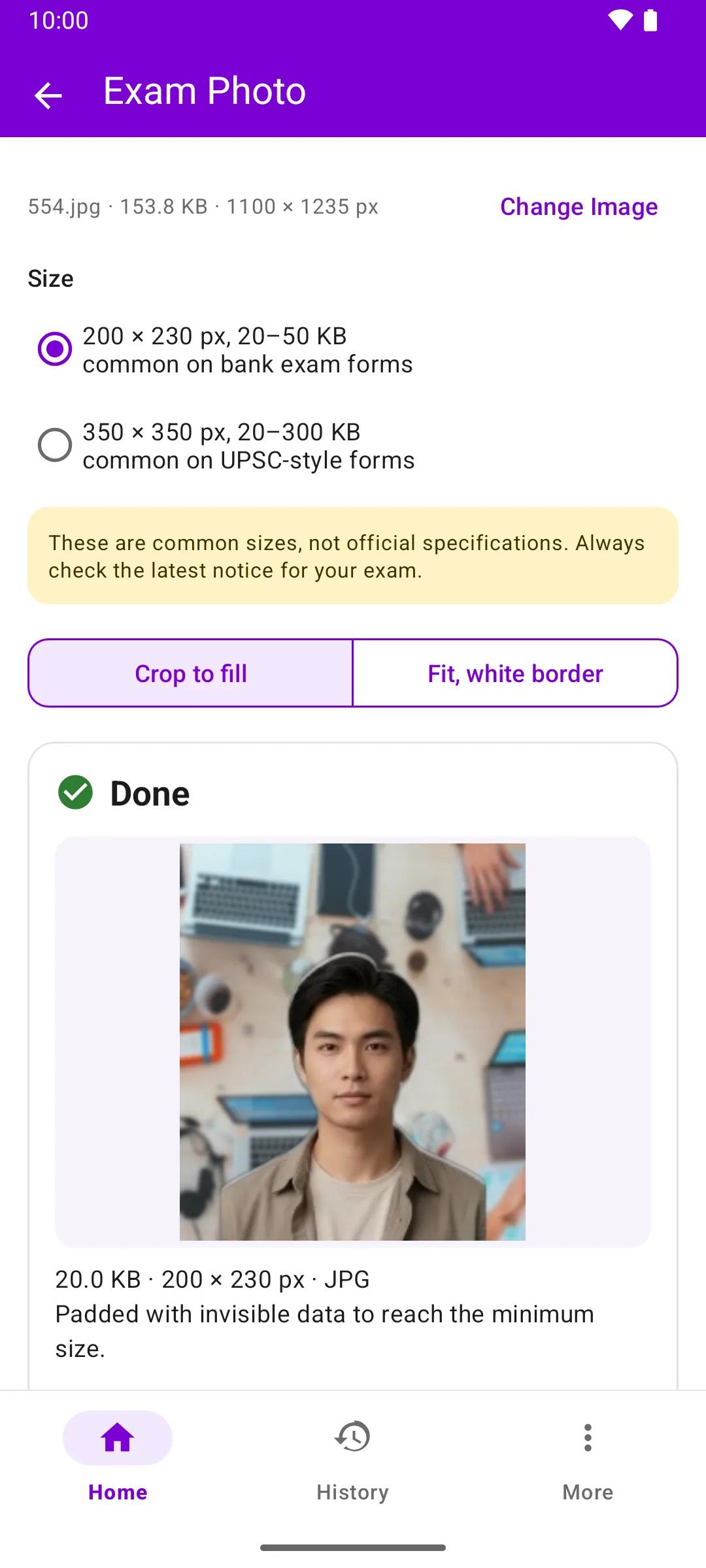
Exam Photo 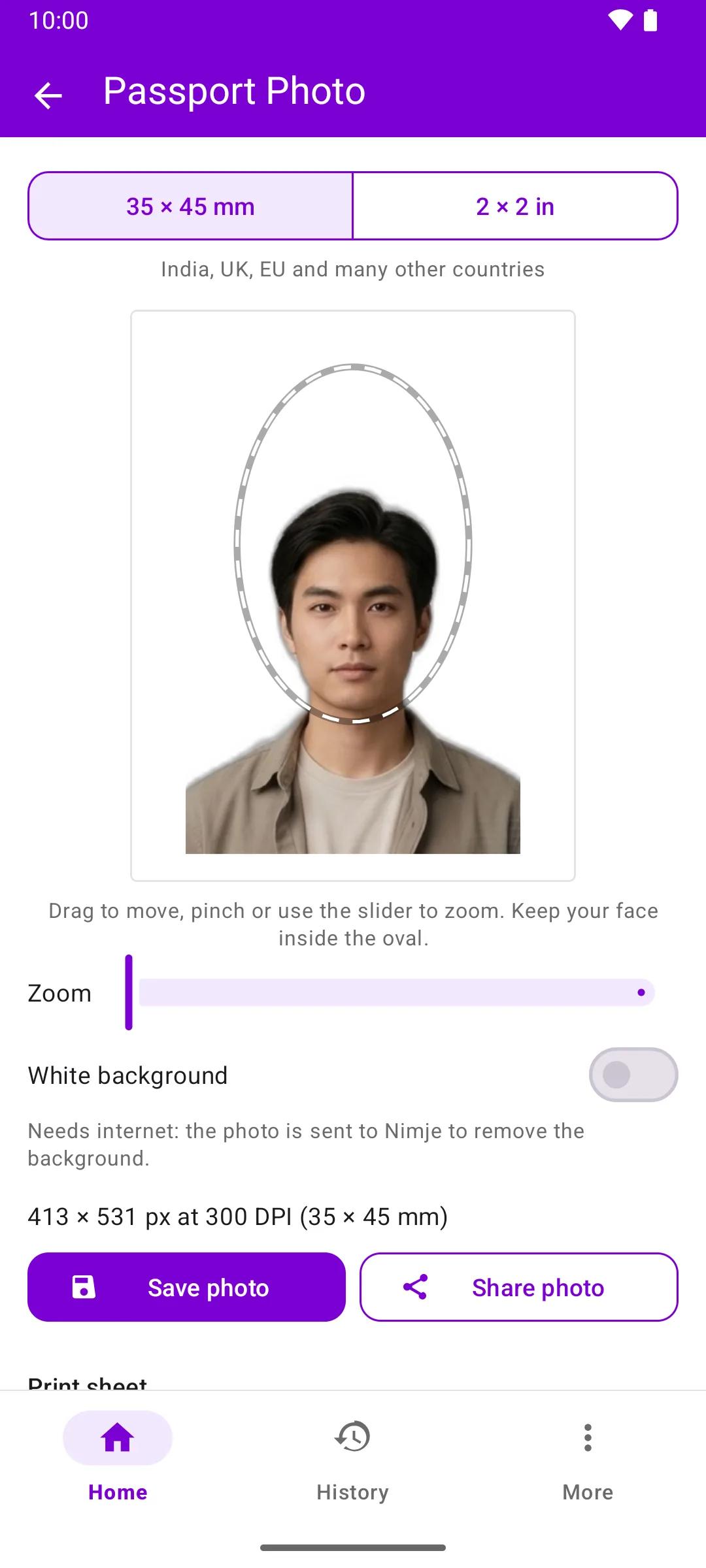
Passport Photo
Frequently Asked Questions
Yes. Every tool is free, with no sign-up or account. The app shows a few ads to stay free, never while a file is processing.
Resize Image to KB, Image Upscaler, Exam Photo Resizer, Signature Resizer, Passport Size Photo, Crop Image, Rotate Image, Add Watermark, Blur Faces, Meme Generator, EXIF Viewer & Remover, JPG to PDF, PDF to JPG, Merge PDF, Split PDF, Compress PDF and QR Code Generator work offline, on your phone. Compress Image, Resize Image, Convert Image, Remove Background and URL Shortener need an internet connection because the photo is processed on Nimje's server, and so does the optional white background in Passport Size Photo.
The photo is sent to Nimje's server, processed and sent back. Temporary files are deleted automatically within 24 hours. Tools that work offline never upload your file. Full details are in the Privacy Policy at nimje.org/privacy-policy.
No. Pick a file, use a tool and save the result. A local history keeps your results on your phone.
Android 7.0 or newer.
Not yet. On an iPhone, every tool in the app is also available on nimje.org in your browser.
From Google Play: tap any "Get it on Google Play" badge on this page.
Get Nimje Tools on your phone
Free to use, no account required. Android 7.0 or newer.
Google Play and the Google Play logo are trademarks of Google LLC.